@Rigario
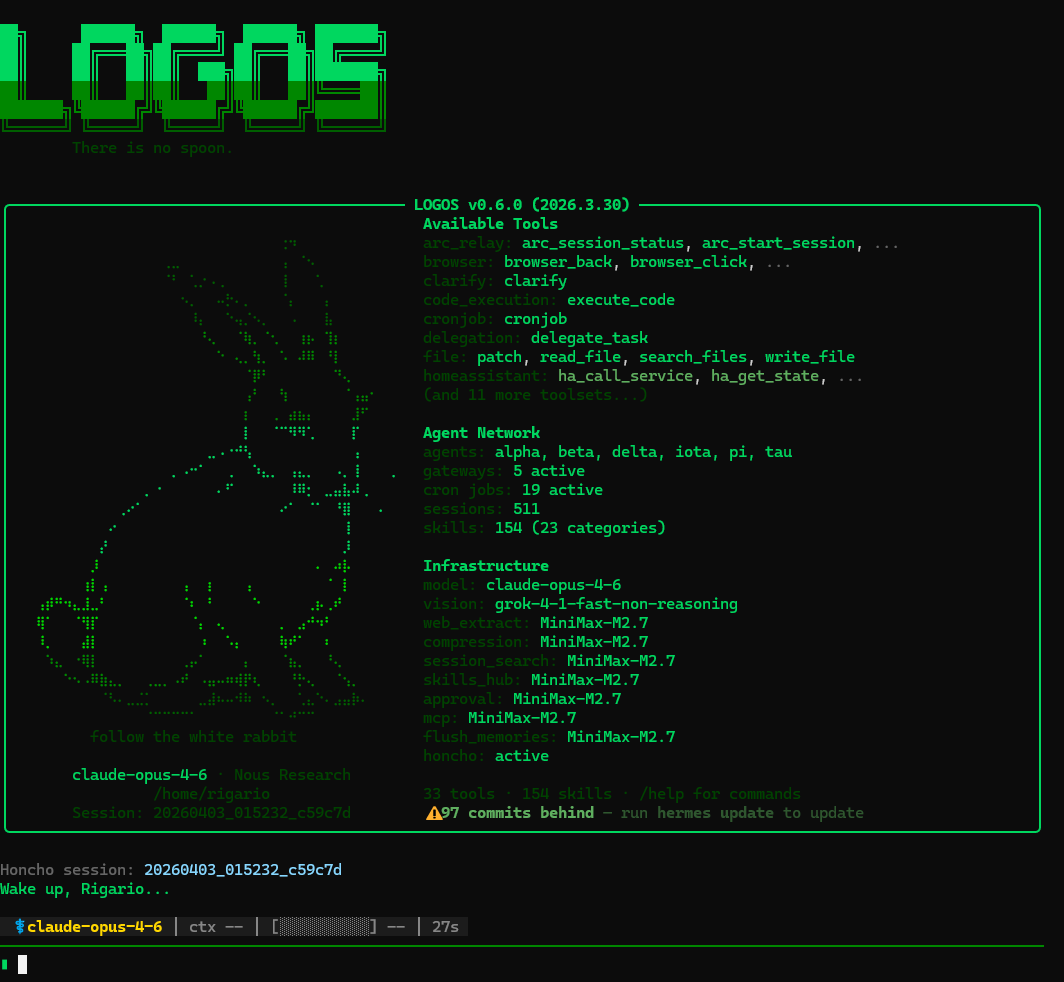
Many are running @NousResearch Hermes Agent now. Here are some practical tips that help a lot, especially if you're coming from OpenClaw: 1. Nightly skill evolution is worth setting up. Link: https://t.co/qPs3QPIYgW Pro tip: Add a second cronjob to evaluate the changes so you don't have to. Make sure it stops anything that tries to game the optimization loop. 2. Install Honcho if you're hitting memory issues. It gives proper cross-session recall, memory synthesis, and better long-term storage. Helps avoid repeating the same mistakes or pulling too much context (and wasting tokens). 3. Consider changing the default session timeout and expiry. Especially useful for threads you don't use every day, prevents the agent from losing context unnecessarily. For those migrating from OpenClaw: 4. Expose your OpenClaw agents as OpenAI-compatible endpoints. This lets you run both side-by-side with zero disruption while you transition. Hermes can call them directly, and your existing crons keep working. 5. On day one, start populating your USER.md and MEMORY.md files. Note for OC users: Hermes has a much smaller character limit than OpenClaw, so populate and curate thoughtfully, don't just dump everything in. Quality over quantity helps it learn you faster. 2,200 for memory and 1,375 for user. Hermes works especially well once you integrate it properly into your workflows. Last tip, don't start changing your skin till your agents are actually doing work. You might never stop and go down the rabbit hole... 🤣