@braingridai
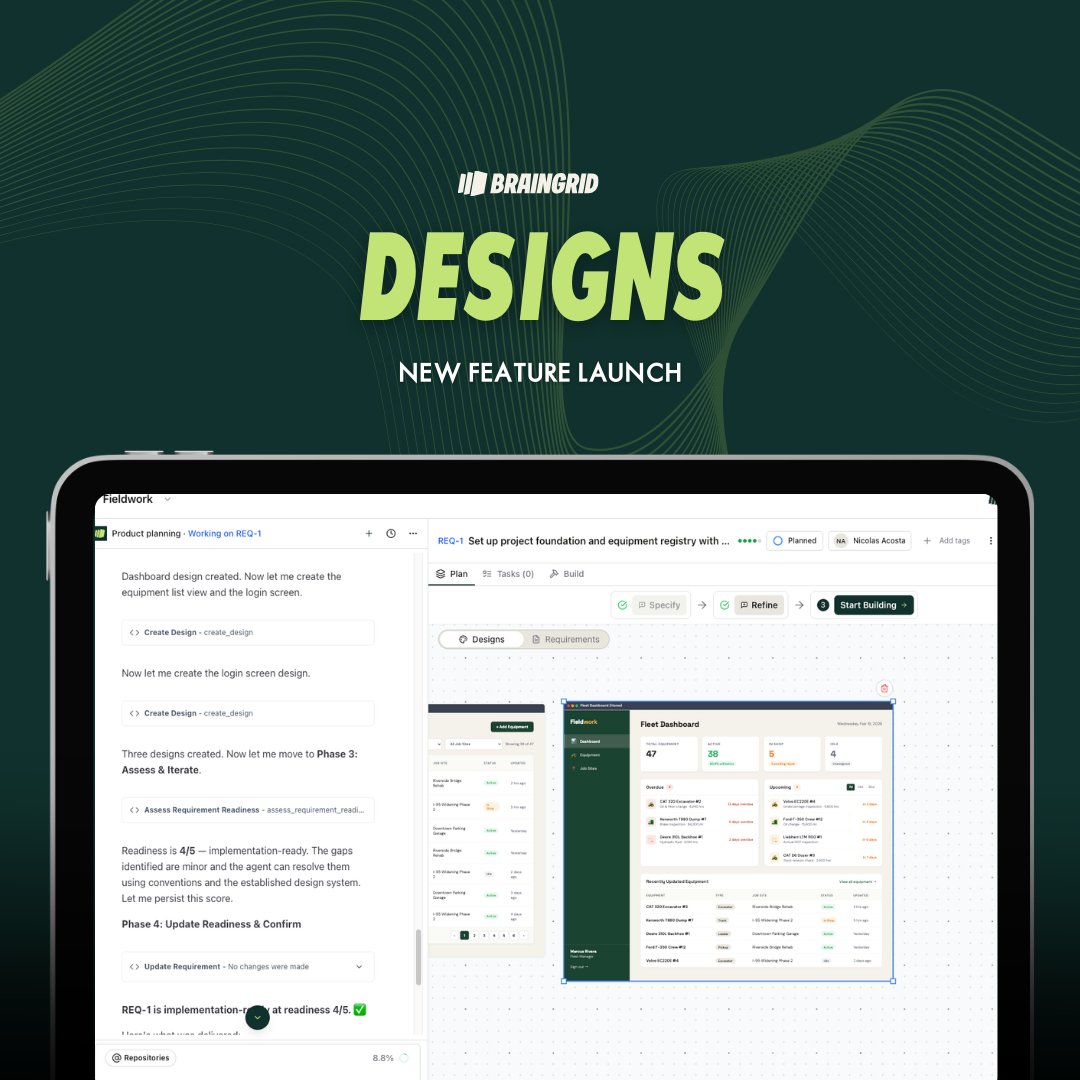
We just shipped Designs. Here's the problem it solves: most UI work fails because you don't know what it should look like until after your coding agent already built it wrong. You describe a dashboard. The agent builds it. You realize the layout doesn't work. You prompt again. The agent rebuilds. Something else breaks. Three iterations later you're debugging CSS instead of shipping features. Designs puts the iteration where it belongs, before a single line of code gets written. BrainGrid now generates actual UI designs for your requirements. You can iterate on them with the agent, annotate what needs to change, select specific elements to tweak. Once you lock it in, that design becomes part of the requirement that gets handed to your coding tool. No more building the wrong UI three times because you couldn't visualize it from a text prompt. It works with new apps and existing ones. If you're adding a feature to something you've already built, BrainGrid matches your existing app's look and feel so the new design doesn't feel bolted on. The designs get included in your Requirements doc when you fetch from CLI or MCP. Your coding agent knows exactly what to build. This is the part most builders skip, and it's why UI work takes twice as long as it should. Now you can see it, fix it, and lock it before the agent touches your codebase.